DistractCam
Natural Photos, No Posing
Keep kids and pets engaged with the screen while the camera automatically captures natural expressions. Fun for them, great photos for you.
How It Works
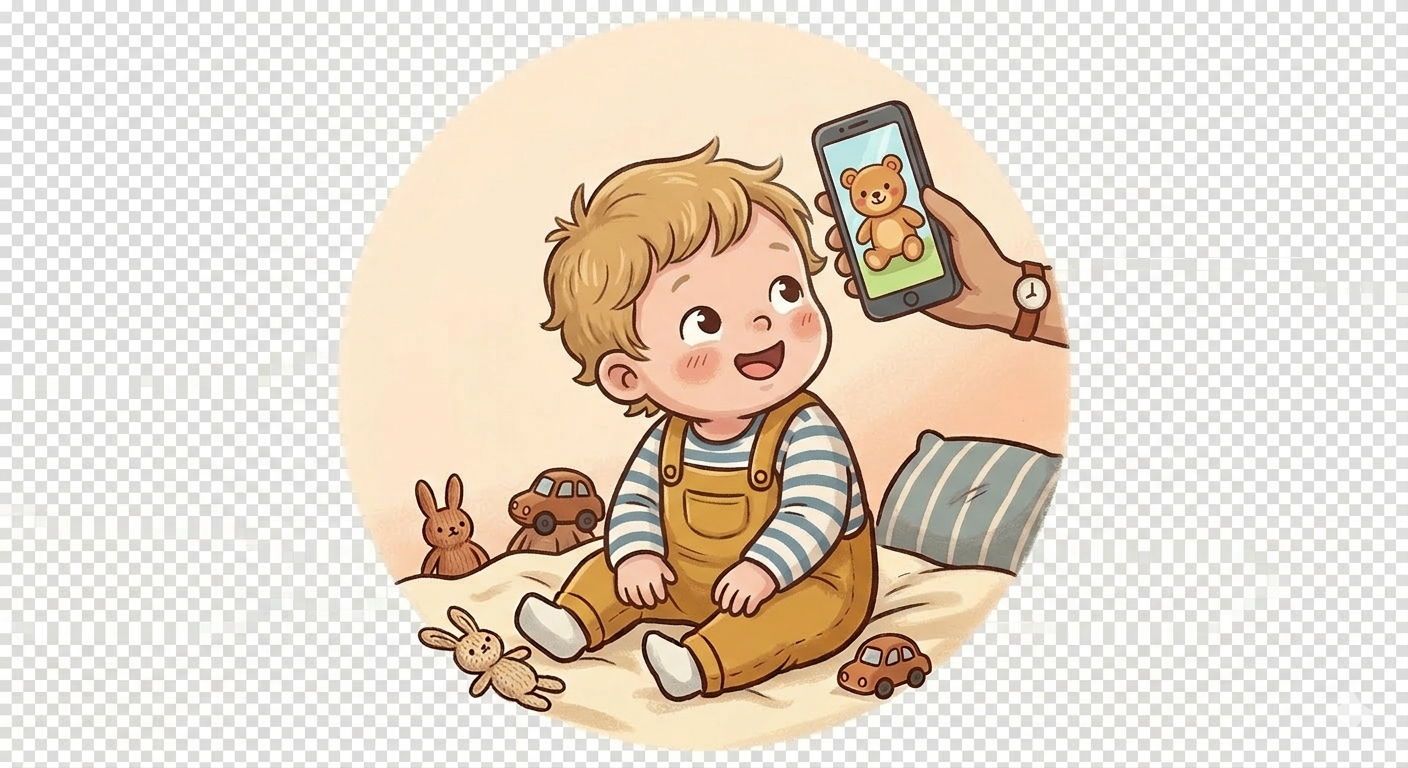
Show Them the Screen
Pick a photo or video from your library. A starter photo is already loaded — just press Start.
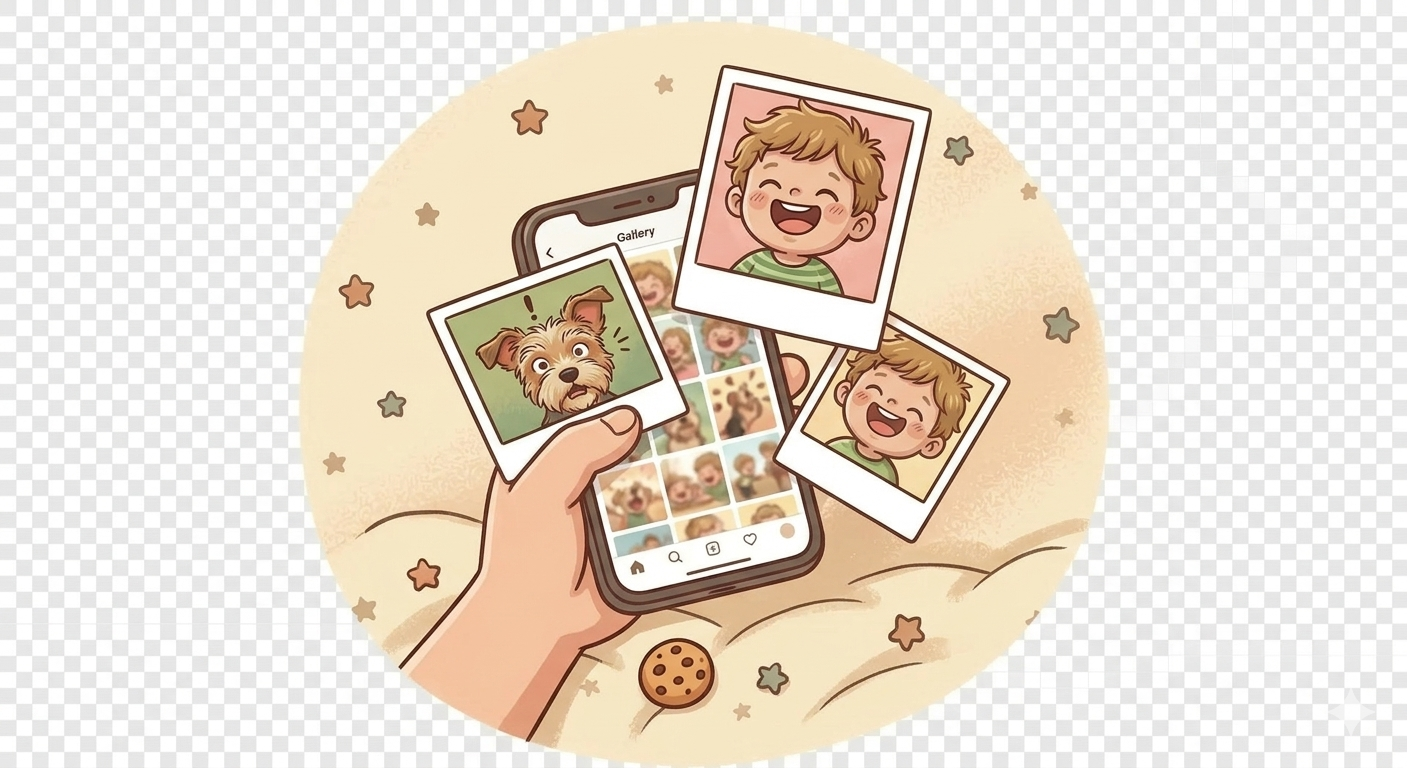
Photos Happen Automatically
While they enjoy watching, the front camera automatically captures photos at the interval you set.
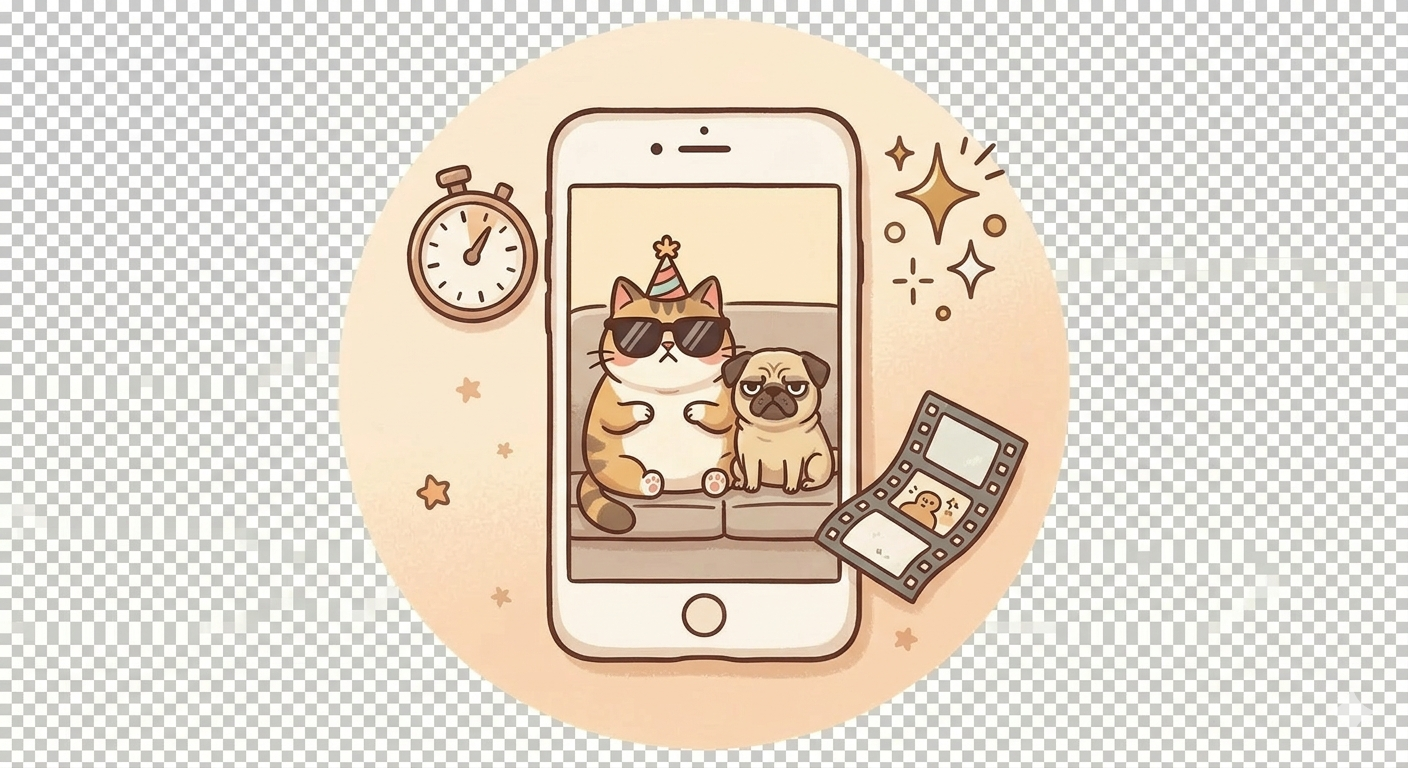
Review Your Shots
Check your photos in History. Every photo is also saved to your Photo Library.
Features
Custom Timing
Set photo count (1–30) and interval (1–30 seconds) to match your situation.
Any Content
Use any photo or video from your library. Whatever keeps them engaged works.
Full-Screen Display
Content fills the entire screen with a prominent “REC” indicator confirming the camera is active.
Session History
Review captures grouped by session. All photos also save to a DistractCam album.
Works Instantly
A starter photo is pre-loaded. Just tap Start — no setup needed the first time.
Portrait & Landscape
Hold the phone however feels natural. The layout adapts to either orientation.
DistractCam Pro
One-time purchase. No subscription.
Pay once, use forever. All future Pro features included.